Law firms & IP professionals

Build the proof. Organise it. Preserve it.

Centralise the files and evidence for your cases, from creation to sharing.

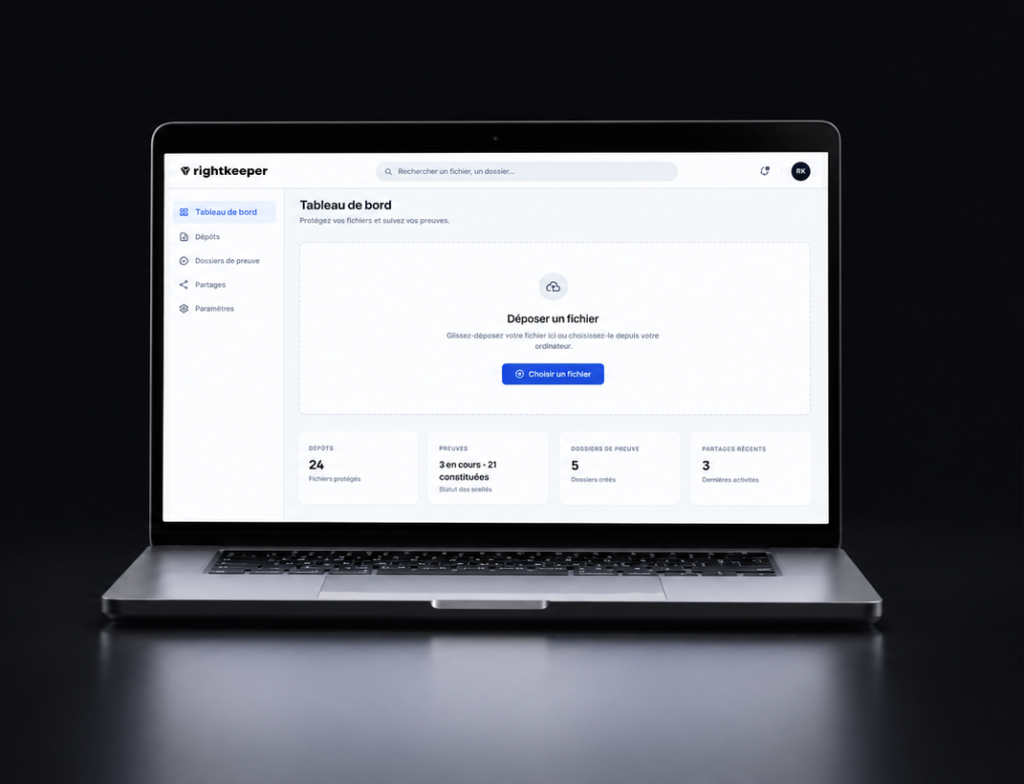
Rightkeeper lets you deposit and time-stamp files, keep their certificates, group them in proof folders and share what is needed with your clients or contacts.

Proof is built long before the dispute.

A document can become decisive long after it was created.

In an intellectual property case, litigation or a contractual relationship, being able to find a file, place it in time and verify its integrity can play a key role.

Yet the necessary evidence is often scattered across different tools, exchanges and storage media.

Rightkeeper lets you build and preserve this evidence over time, before a dispute even arises.

Build the proof folder as the case progresses.

A case evolves.
New documents appear, some items are updated, others are sent to external contacts.

Rightkeeper lets you build the proof associated with each file and bring it together in an organised environment.

01

Build

Deposit the files and establish the evidence associated with each of them.

02

Identify

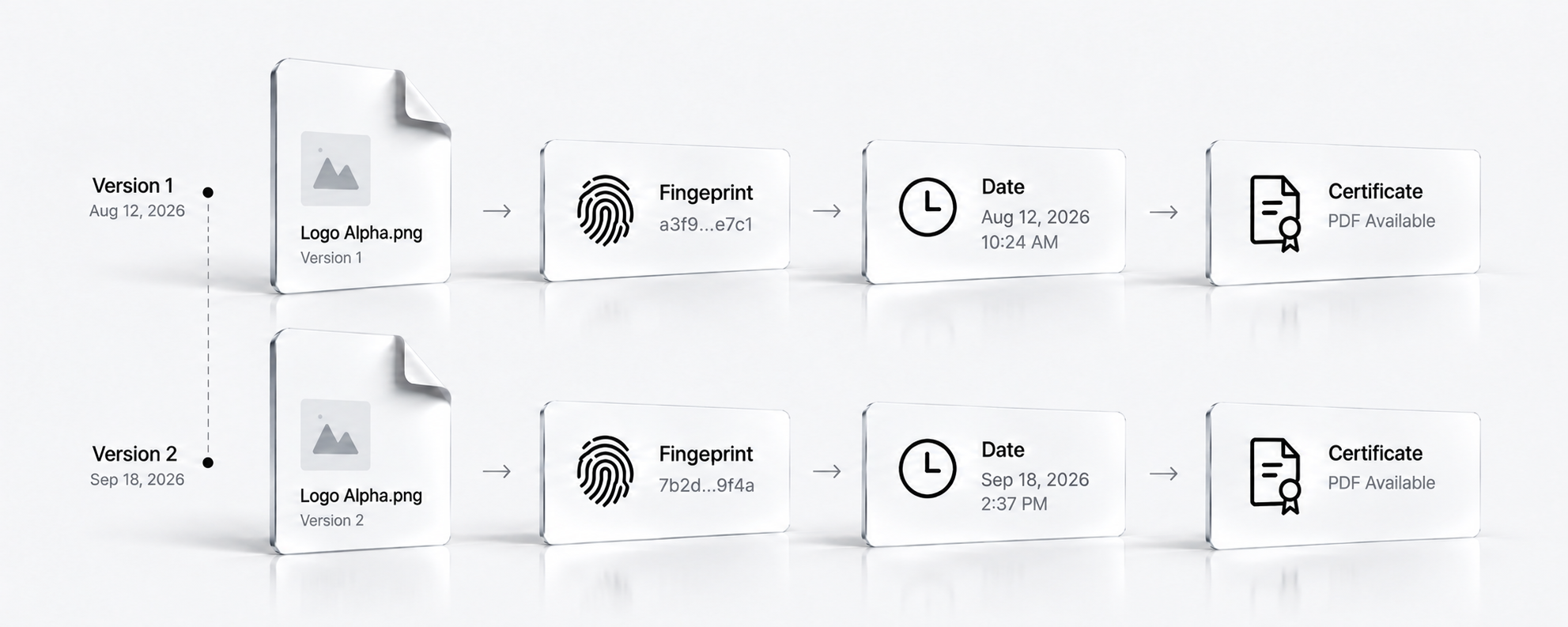
Link each file to a digital fingerprint, a date and a certificate.

03

Organise

Gather the files and their certificates in proof folders.

04

Send

Send the folder’s contents to the people concerned.

The proof folder, structured and ready to share

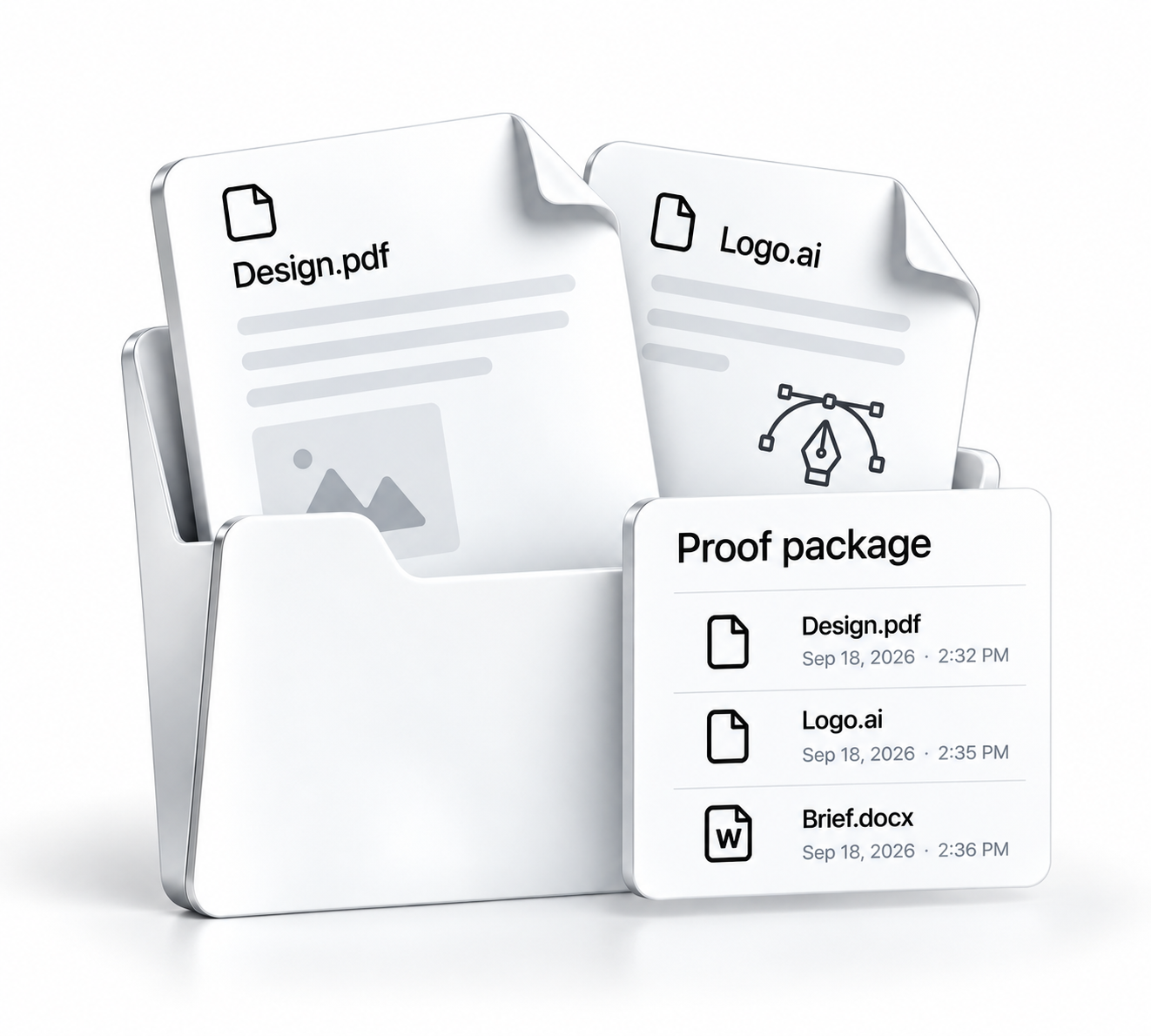
With Rightkeeper, several files and their certificates can be grouped in the same proof folder.
Each item keeps the evidence associated with its deposit. The folder lets you find files, organise the proofs created and prepare them for sending.

A proof folder is more than a collection of files. It gathers the elements that identify them and place them in time.

Every item has its own digital identity

Identify a file. Verify its integrity.

When a file is deposited, Rightkeeper generates a digital fingerprint linked to its content and associates time-stamp information with it.
This information is included in a proof certificate, which lets you compare the fingerprint of the file presented with the one recorded at deposit.

Rightkeeper does not automatically certify the author or rights holder of the file.
The platform creates technical evidence whose weight must be assessed in context.

File

Fingerprint

Date

Certificate

Preserve the history of each item

A file evolves. Its proofs can follow that evolution.

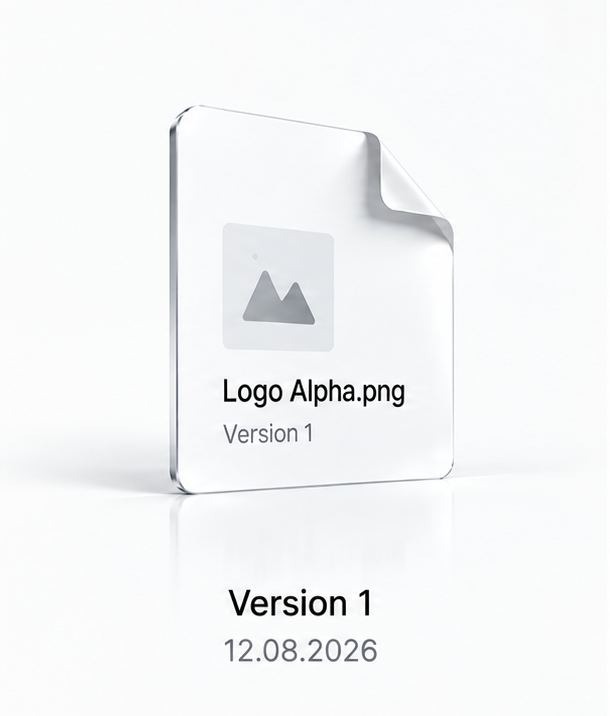
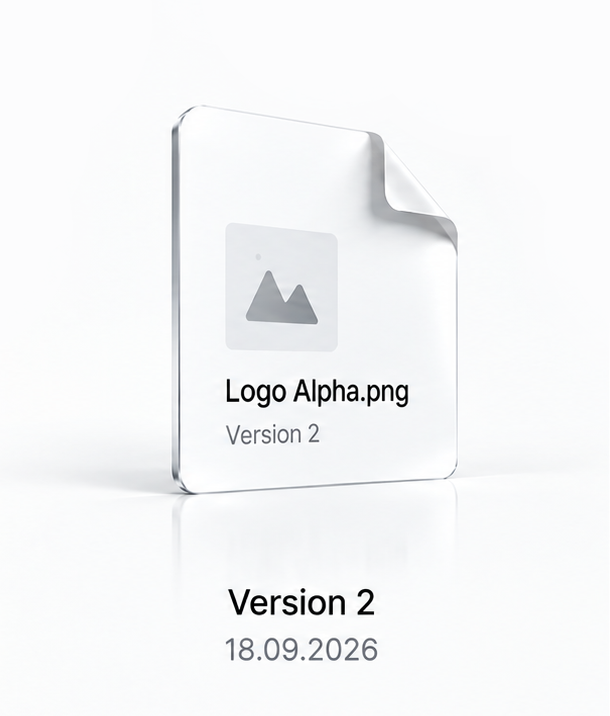
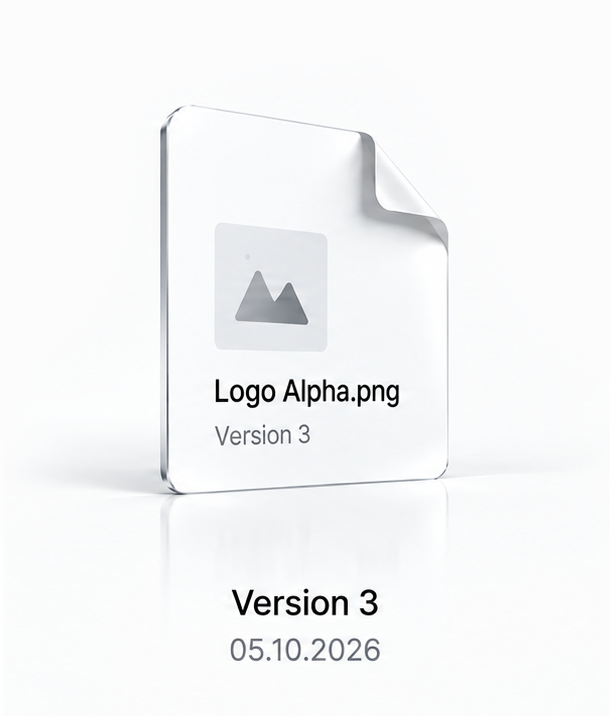
A document can go through several successive states: working version, version sent, final version.
Each state deposited in Rightkeeper has its own digital fingerprint, date and certificate.
Keeping these successive deposits helps document how a file has evolved over time.
This is not automatic versioning: each new version must be deposited individually.

Send the right items to the right people

Share a proof without losing track of it.

A case may require sending items to a client, a colleague, an expert or a partner.
Rightkeeper lets you share files and proof folders with the relevant recipients,
while keeping the tracking information available on the platform.

Identified recipients

Share items with the people concerned.

Controlled access

Manage sharing settings according to the features available.

Viewable activity

Sharing and access management features designed to control how sensitive files circulate.

Grow your services around digital proof

Make proof-building a service in its own right for your firm.

Digital proof isn’t only a matter for when a dispute arises. It is built throughout the life of your clients’ creations, innovations and strategic documents.

With Rightkeeper, your firm has a tool to help clients build, organise and preserve their digital proof from the earliest stages of their projects.

You can integrate digital proof into your intellectual property services, offer your clients a concrete service and build a long-term relationship that goes well beyond litigation.

Rightkeeper gives you the means to make digital proof a new dimension of your legal services.

Confidentiality, integrity and traceability

Storage and hosting

Files stored in an environment hosted in Europe, under Rightkeeper’s retention terms.

Integrity and time-stamping

A digital fingerprint, time information and blockchain anchoring all contribute to building the evidence.

Access and confidentiality

Sharing and access management features designed to control how sensitive files circulate.

Your questions, our answers.

Can I integrate Rightkeeper into my case management?

Yes. Rightkeeper lets you build proofs for deposited files, retrieve their certificates and gather several items in a proof folder. The platform complements your firm’s document management tools and working methods.

Can my clients use Rightkeeper?

Yes. A company or freelancer can deposit their files and build evidence ahead of a legal consultation. This evidence can then be sent to their adviser.

How do I verify a proof created with Rightkeeper?

The certificate includes the file’s identification information, its digital fingerprint and time references. Comparing fingerprints shows whether a file presented matches the content deposited.

Can I keep several versions of the same document?

Yes. Each version can be deposited separately, with its own fingerprint and certificate. This is not automatic version tracking: deposits must be made separately.

Can I delete an item after its proof has been created?

Yes. You can delete an item at any time from the “Deposits” section. The file and its certificate are then deleted from Rightkeeper and the associated metadata is anonymised: download them first, as we will no longer be able to provide them afterwards.

Deleting a file does not erase the proof itself: the fingerprint written to the blockchain remains permanently recorded, with no link to your account.

Can I share the contents of a proof folder?

Rightkeeper lets you share files and proof folders, depending on the features of your plan. The available tracking information lets you view certain activity related to shares.

Rightkeeper for legal professionals

Proof, structured from the start.

Build your proof folders over time. Preserve files, their certificates and the information needed to use them.

Free to start · No commitment · No credit card required